Download Events
Events can be exported into a spreadsheet for reporting or data migration.
Instructions
The user logs in to the LMS as a Curriculum Developer and navigates to the "Events" tab.
The user clicks on the "Download" button.
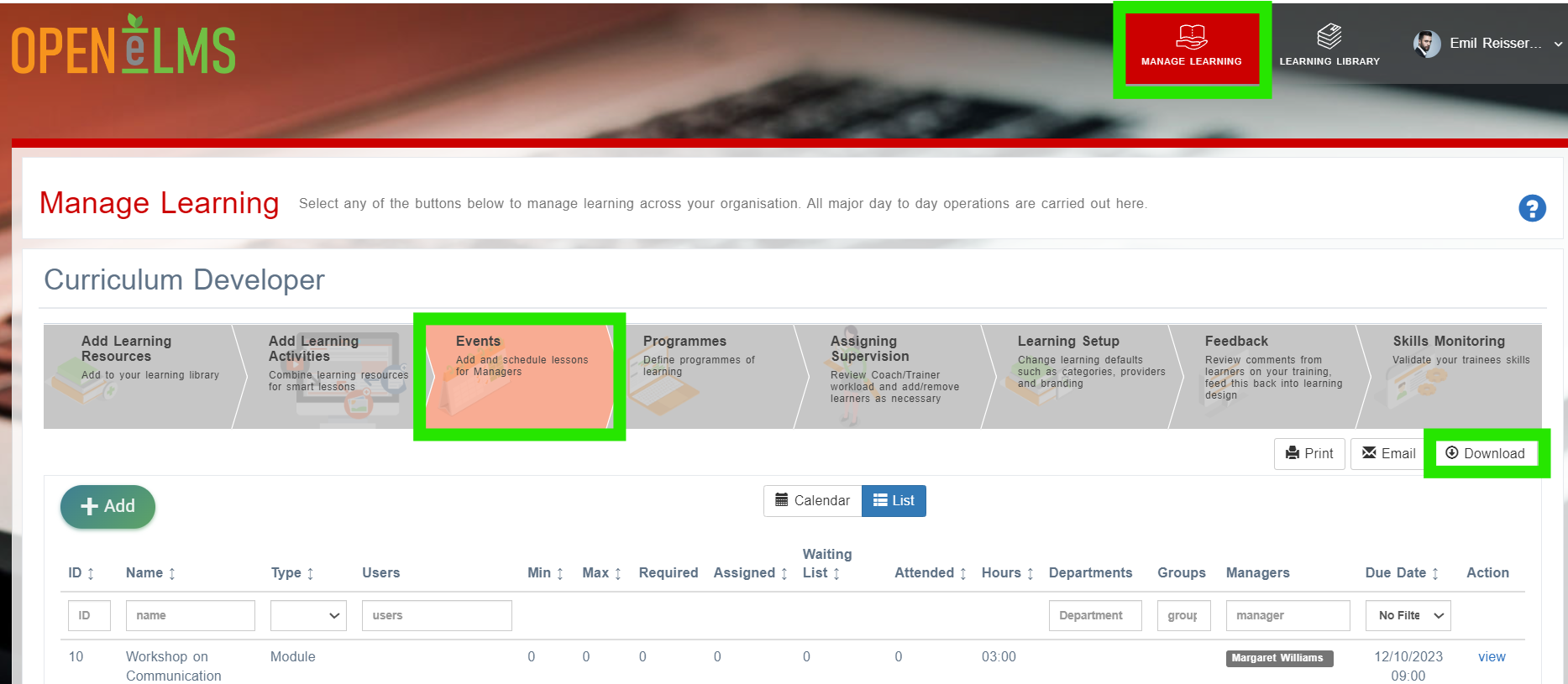
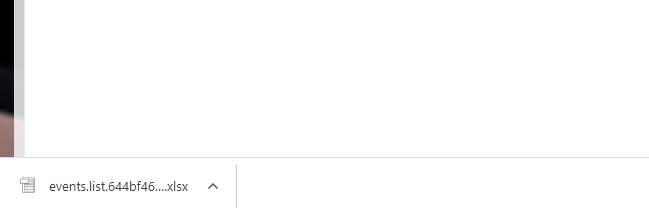
The LMS exports the selected events to a xlsx file.
The user can download the exported xlsx file and use it for further analysis or manipulation.
Related articles
- Page:
- Page:
- Page:
- Page:
- Page: