Add a video presenter to a screen using the Open eLMS AI Editor
Open eLMS has a library of video narrators, but you may wish to add your own. For this reason you can add MP4 files with alpha channels removed instead of the narrators Open eLMS AI provides.
📘 Instructions
Follow these steps …
Film your presenters in front of a green screen so you can remove their background. Video should be saved as mp4 files with the alpha channel removed. This allows the presenters to be seamlessly integrated into the learning.
Press the audio button for the desired screen.
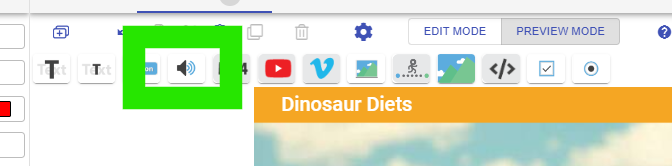
You will see a load of default video presenters, to upload your own instead of using one of these press the Add button.
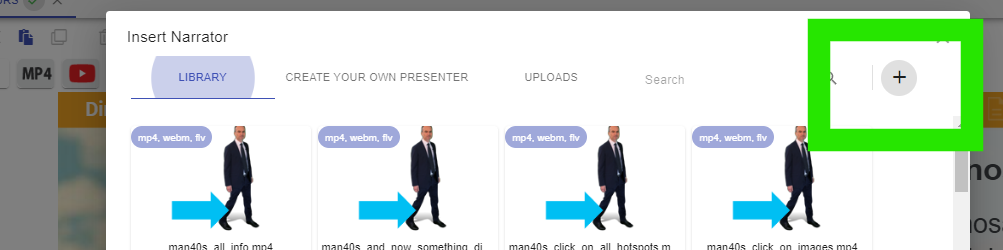
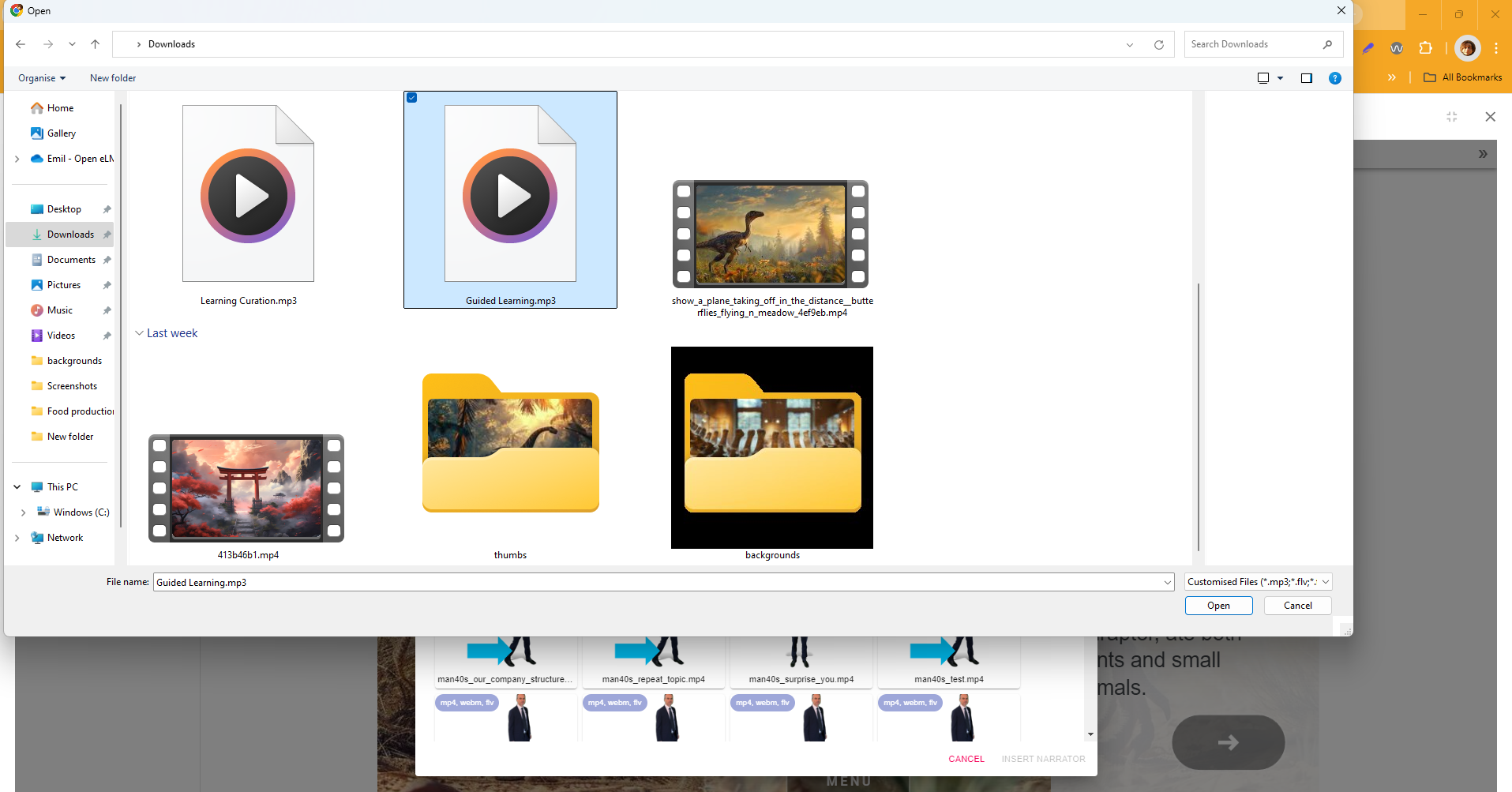
Upload your mp4 file.
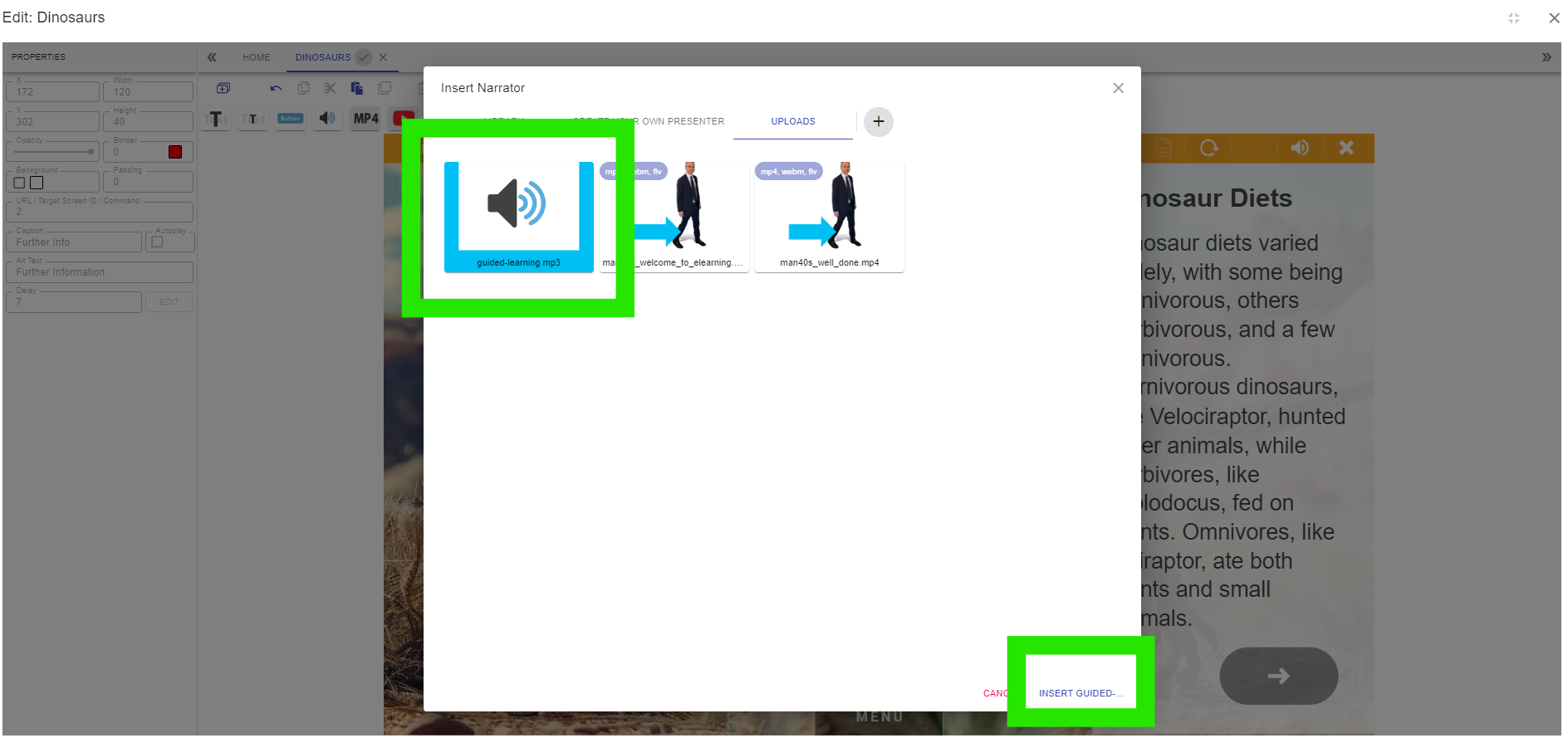
Go to the Uploads tab and select the uploaded mp4 file and press Insert.
This video presenter will now play when the screen loads in.
Shooting in front of green screen and post production alpha channel keying is a professional level job outside the support parameters of Open eLMS AI. Open eLMS can provide this service if required but is not part of the standard support cost of the Open eLMS AI system.
📋 Related articles
- Page:
- Page:
- Page:
- Page:
- Page: