Add YouTube/Vimeo video into eLearning using the Open eLMS AI editor
YouTube video content can be loaded directly into any learning screen, blending uploaded video with the eLearning presentation.
📘 Instructions
Follow these steps …
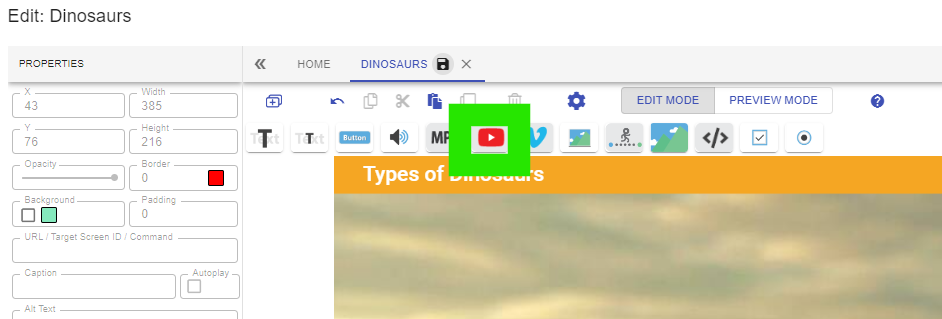
Select the YouTube button on the Open eLMS AI editor.
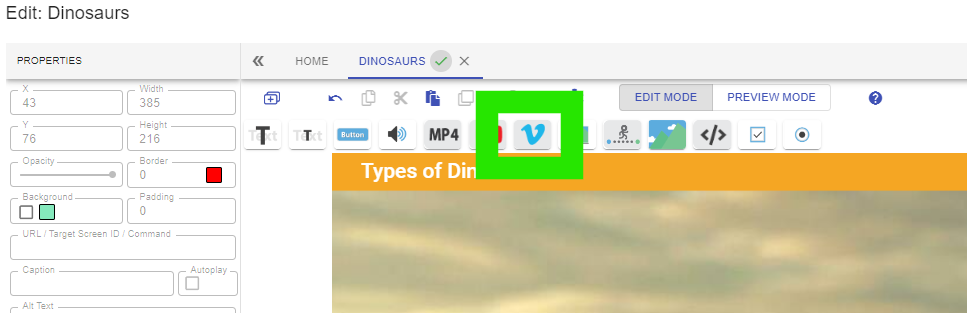
Alternatively select the Vimeo button to add video from that source.
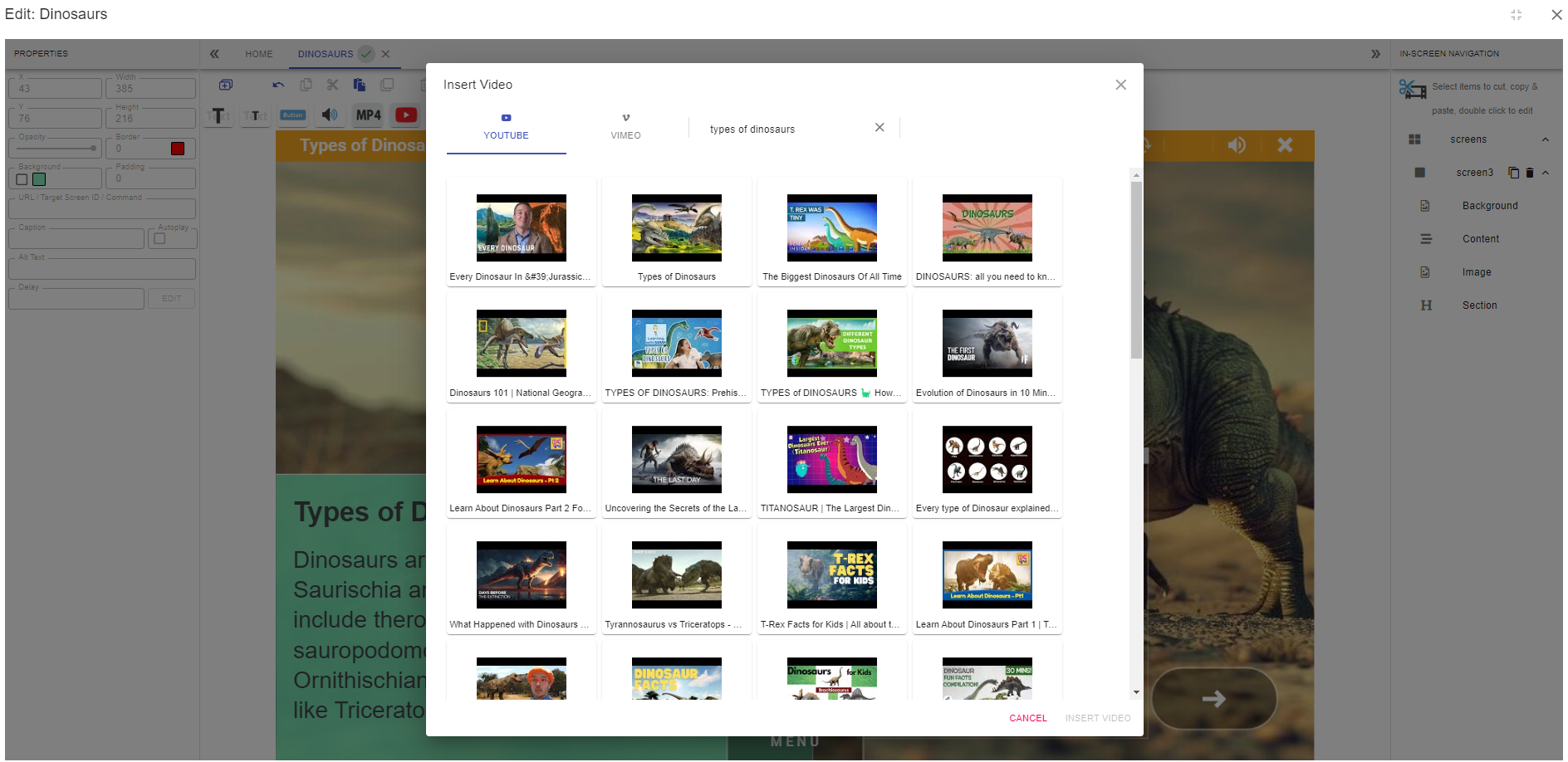
Either search on YouTube/Vimeo for your video content (e.g. ‘types of dinosaurs’) or enter the URL of the video you want to include and press enter. The video thumbnail(s) will be show for selection.
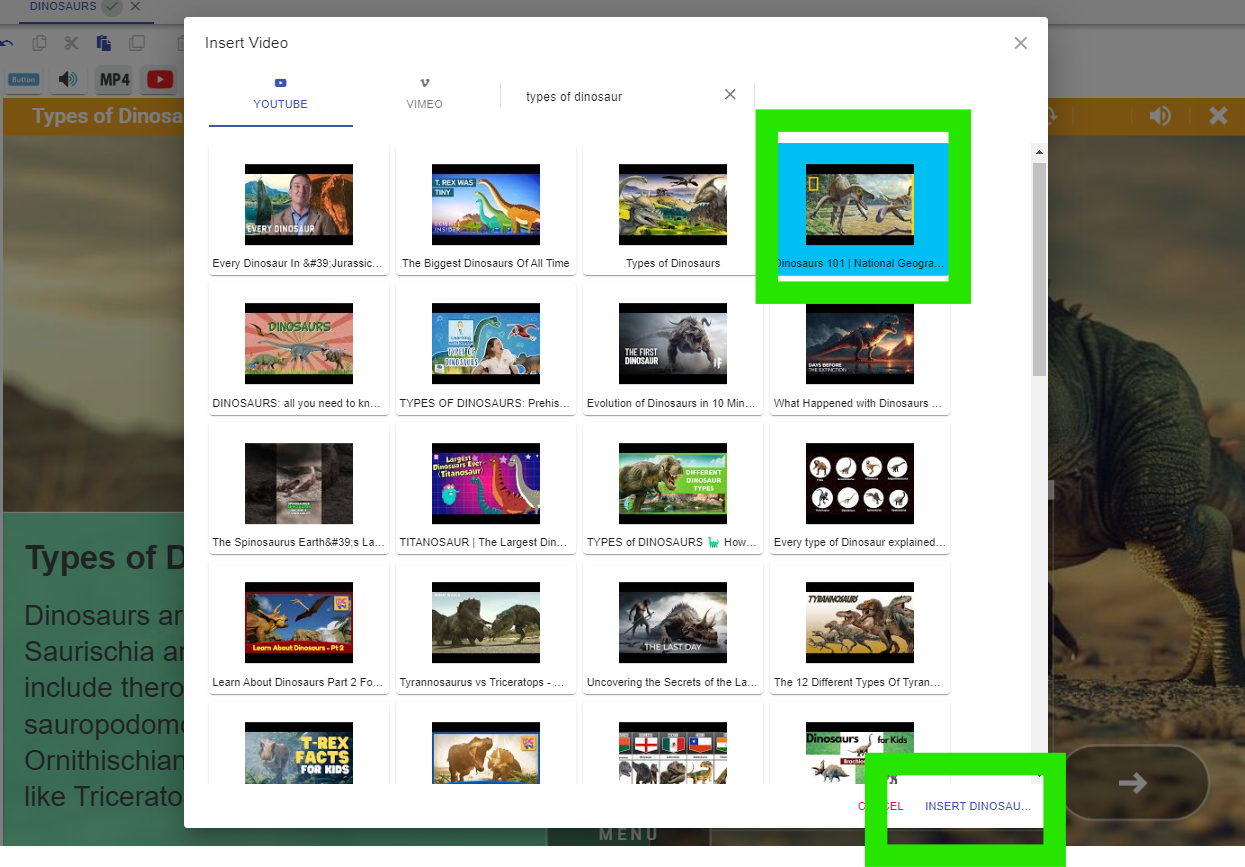
Select the video and press Insert.
Position the YouTube or Vimeo file on the screen and resize as necessary.
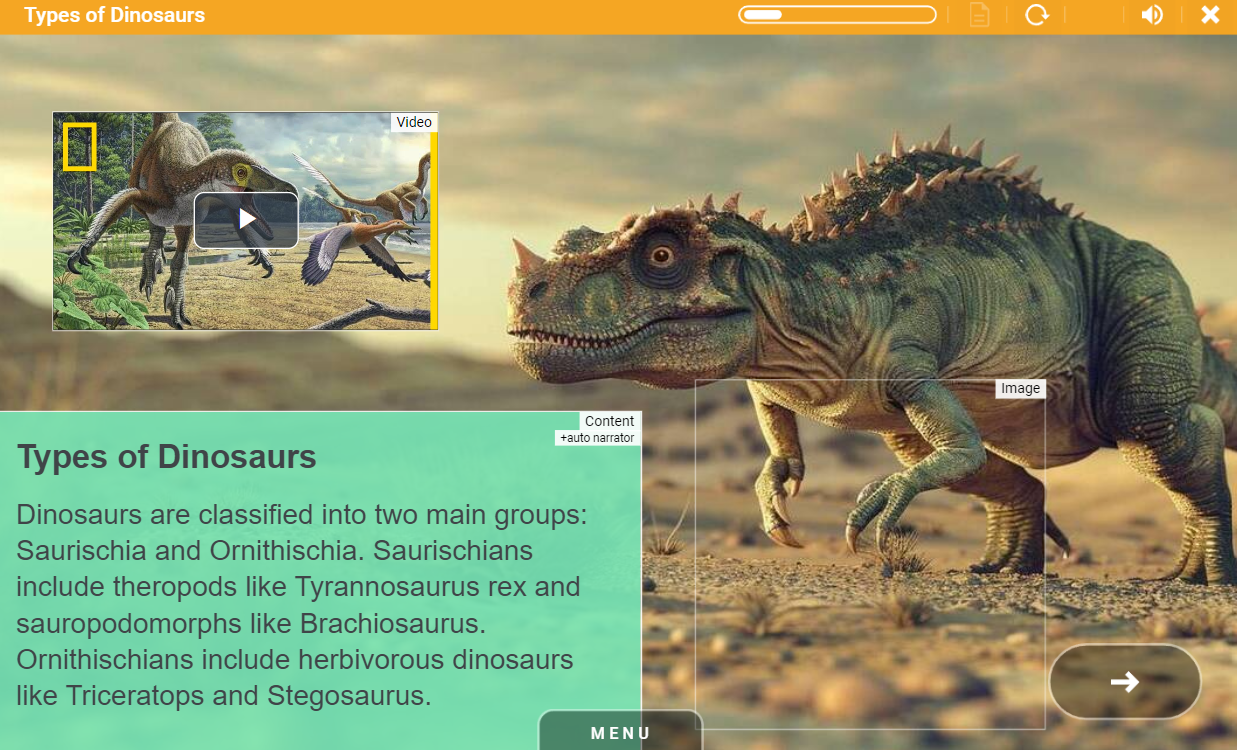
To lower the size of the eLearning file it is recommended that you upload video content to YouTube and stream from there rather than using direct MP4 uploads.
📋 Related articles
- Page:
- Page:
- Page:
- Page:
- Page: