Hide Programme status from Learner
Not all implementations will want the learner’s status to be known to the learner. This can be selectively hidden if required.
📘 Instructions
Follow these steps
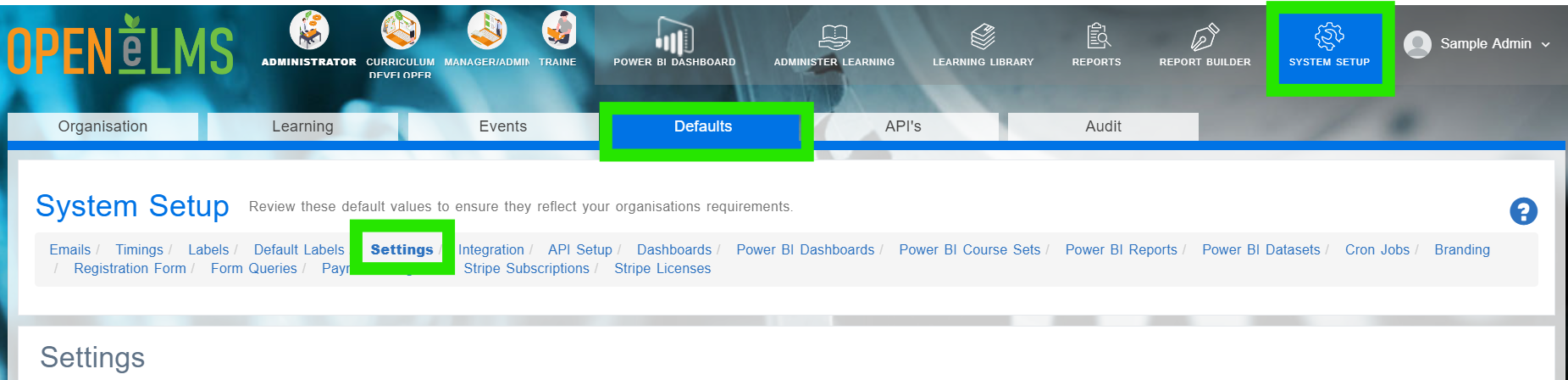
Log in as admin and go to System Setup > Defaults > Settings and find a key called hideProgrammeStatusFromLearnerProgressView.
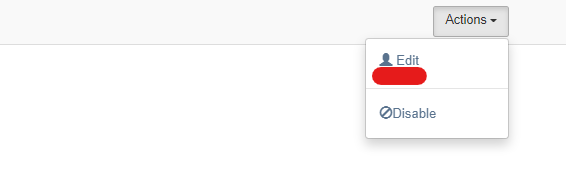
Select Actions > Edit and set the value to False (to hide the status from the learner)
Set addCustomProgrammeStatus to true to allow for customised statuses.
📋 Related articles
- Page:
- Page:
- Page:
- Page:
- Page: