Change the Registration Form Configuration
The registration form allows users to manually register onto the Open eLMS system. This form can be customised to each client’s unique recommendations.
📘 Instructions
Follow these steps …
Go to Admin > System Setup > Defaults > Registration Form.
Edit the welcome text using the Rich Text Editor. This edits the text at the top of the registration form.
Then select fields to be added to the form and which are to be mandatory (username and password are always needed.
Finally select text to be included at the footer of the form. This can include privacy information etc.
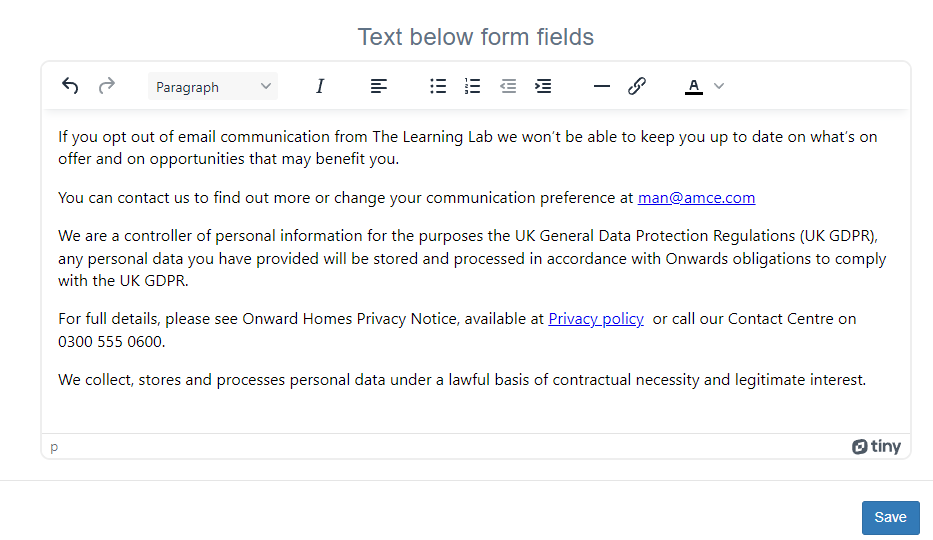
Press Save to finish.
It is recommended to make the First name, Second name and Contact Email minimum requirements..
📋 Related articles
- Page:
- Page:
- Page:
- Page:
- Page: