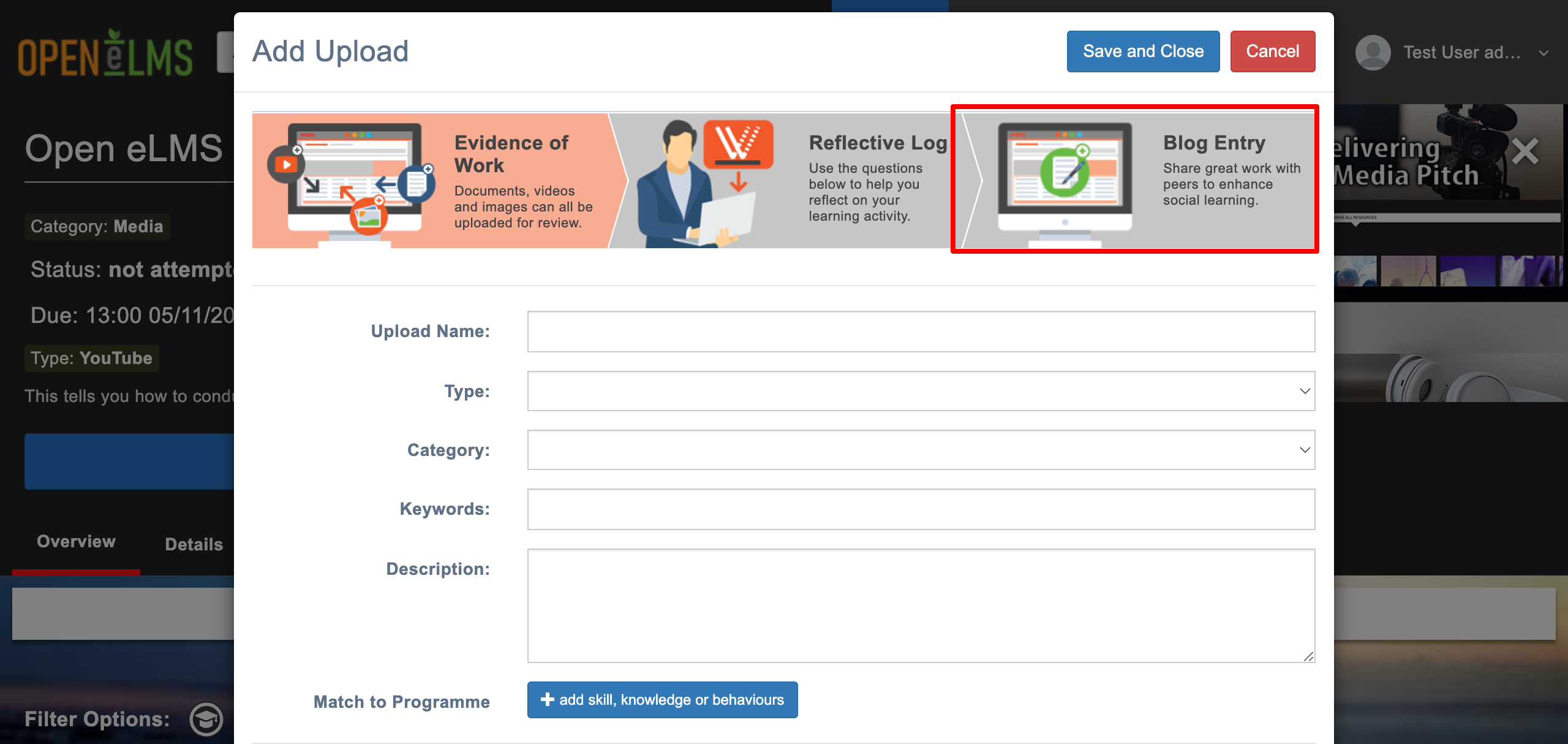
Allow Learner to add Blog Entry
Edit the configuration key below to change functionality within the system, there are over 200 such settings in the system.
📘 Instructions
Name | Key | Default Value | Description |
Allow Learner to add Blog Entry | allowAddBlogEntry | TRUE | A true setting allows a user to add upload 'blog entry'. A false setting does not give the option for a user to add upload a 'blog entry'. |
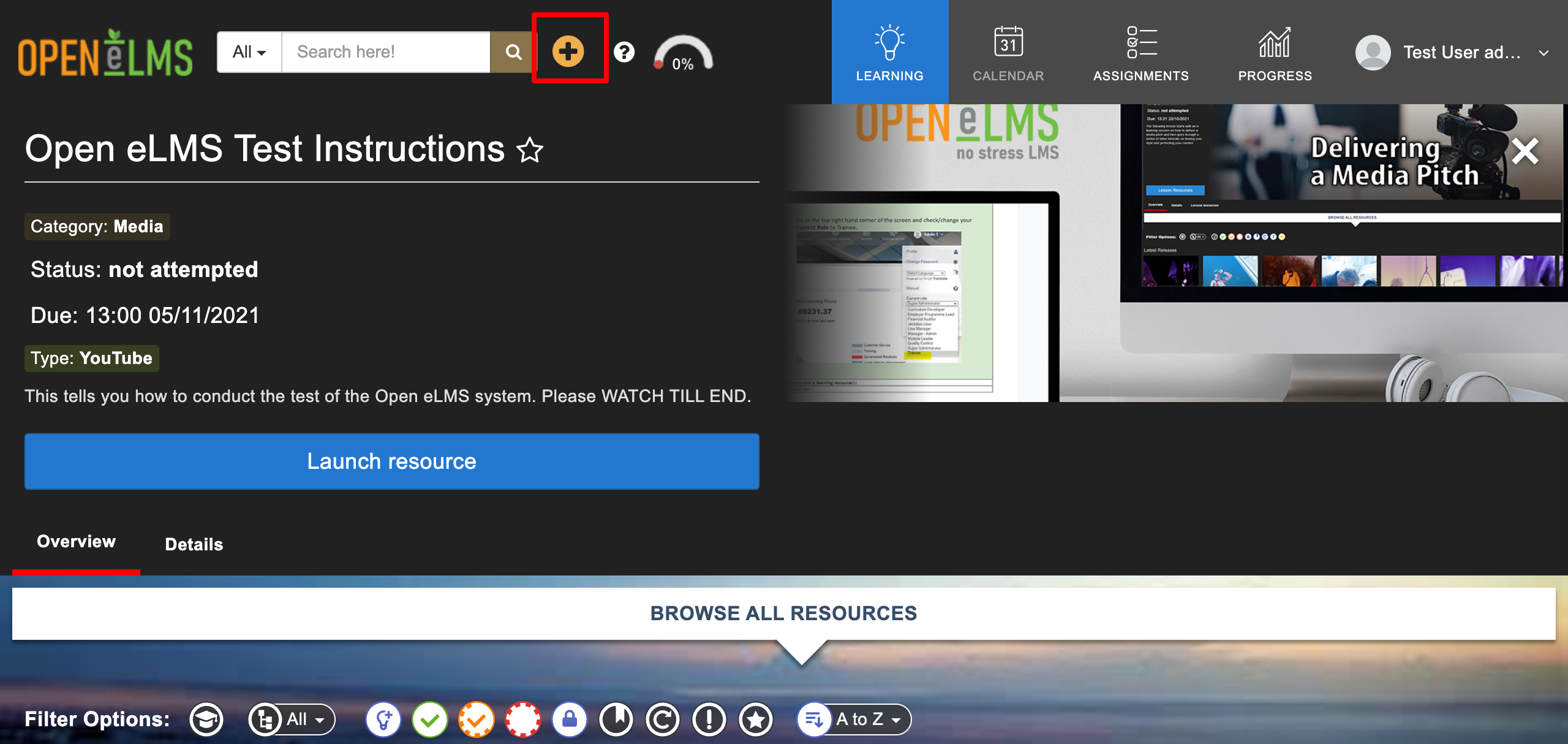
On the Learner’s interface, the “Plus” icon will open a window allowing the user to do uploads.
Changing Configuration Settings
Follow the steps below to change any settings
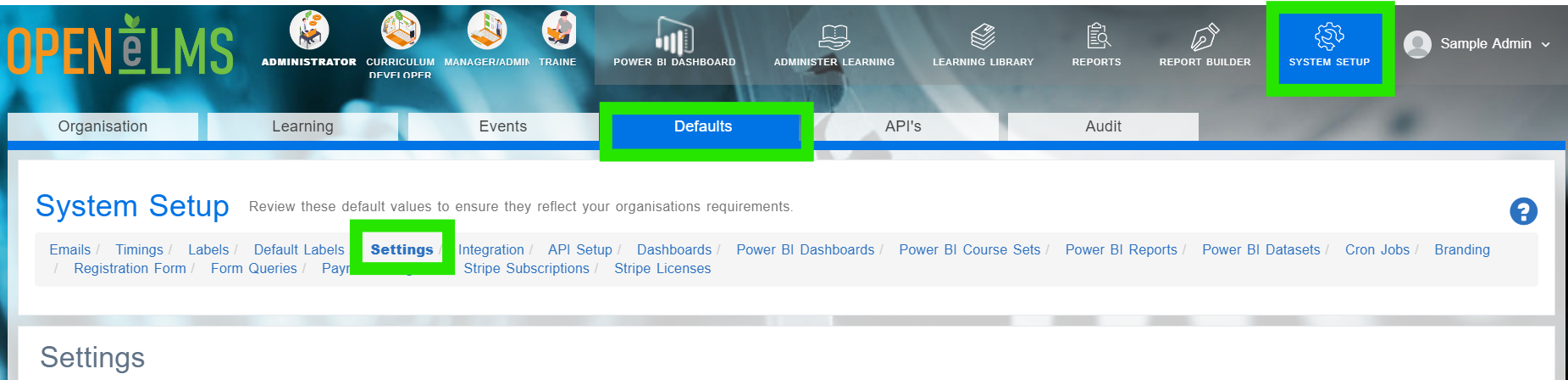
Login as an Administrator and go to System Setup/Defaults/Settings.
Search in the Key column for the key listed in the above table.
Click on Actions and Edit.
Edit the Configuration value to ‘False’.
This will remove the option for a user to add blog entry.
📋 Related articles
Select any of the following associated articles for further information.
- Page:
- Page:
- Page:
- Page:
- Page: