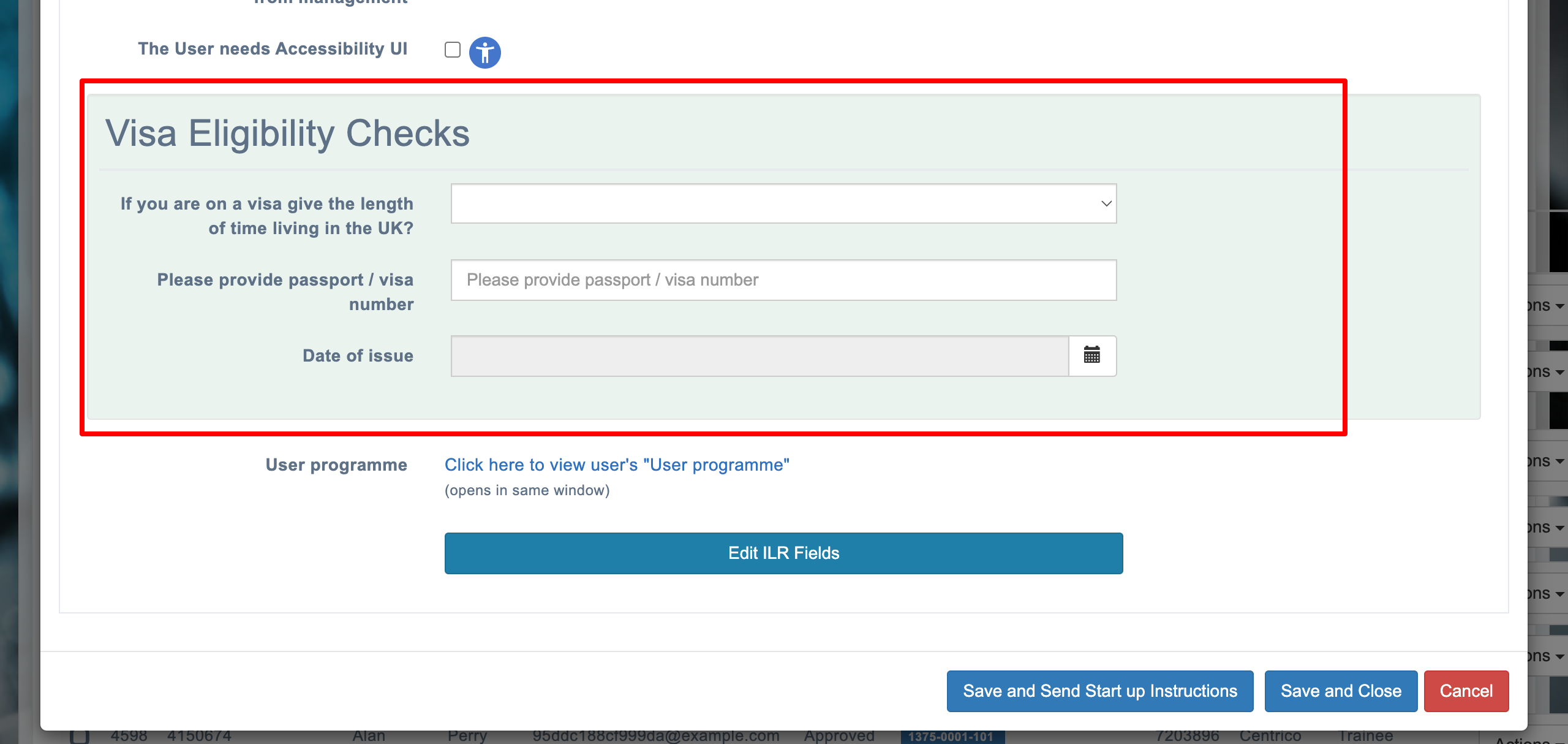
Add Visa Eligibility Checks
Edit the configuration key below to change functionality within the system, there are over 200 such settings in the system.
📘 Instructions
Name | Key | Default Value | Description |
Visa Eligibility Checks | showVisaEligibilityChecks | TRUE | A true setting gives the option when adding a new user to add 'Visa Eligibility checks' A false setting gives the option when adding a new user to add 'Visa Eligibility checks' |
Changing Configuration Settings
Follow the steps below to change any settings
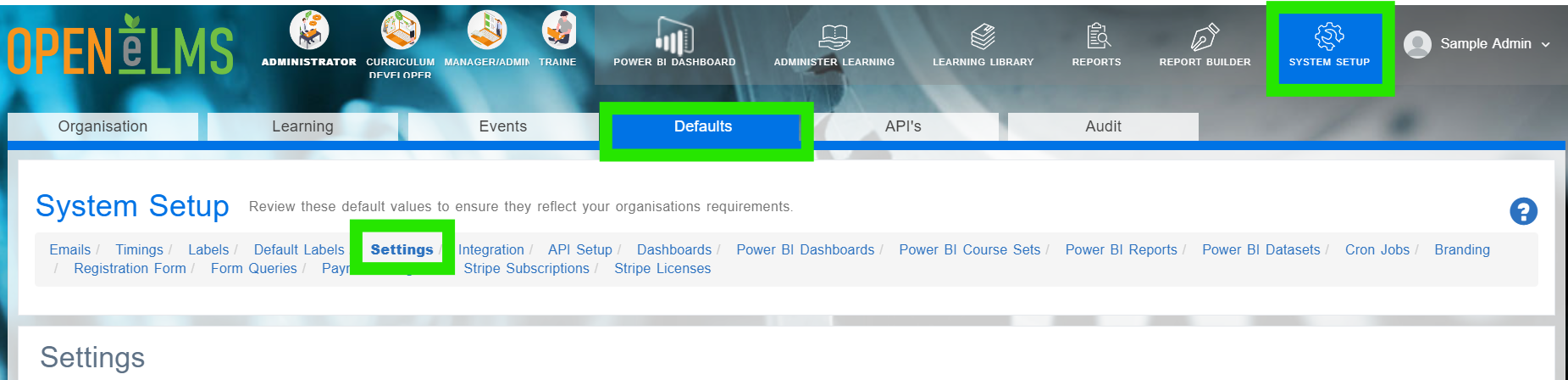
Login as an Administrator and go to System Setup/Defaults/Settings.
Search in the Name column for the key listed in the above table.
Click on Edit.
Scroll down and find the correct key in the settings category.
This will add ‘Visa Eligibility Checks’ field to the user profile settings.
📋 Related articles
Select any of the following associated articles for further information.
- Page:
- Page:
- Page:
- Page:
- Page: