Turn on emails
By default emails are switched off in the system. These need to be switched on prior to launching the system, your account manager will often do this for you, but please check.
Instructions
Log in as an Administrator and follow the following steps.
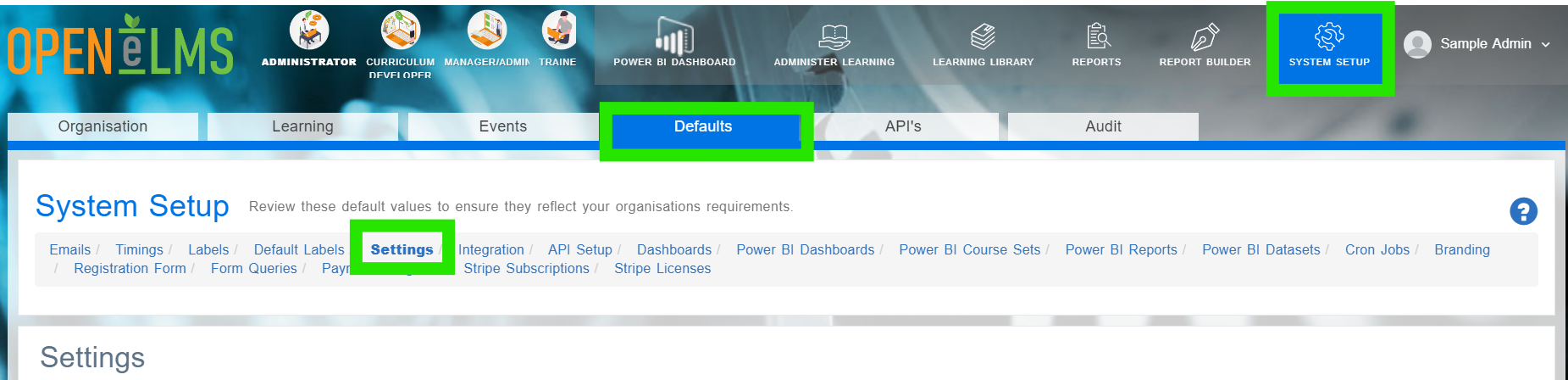
Go to System Setup > Defaults > Settings.
Type ‘enableEmailFunctionality’ into the search box at the top of the ‘Key’ column.

Edit this parameter and change the Configuration Value to true (if set to false).
Emails must be turned on before you launch the site otherwise passwords cannot be sent out to learners when they first use the system.
Related articles
- Page:
- Page:
- Page:
- Page:
- Page: