Set up Microsoft Services to Allow External Use
The Microsoft tenant controls access to Microsoft integrated services within Open eLMS, namely (Teams and Outlook). The use of Outlook can be restricted by the Microsoft Tenant app’s default settings to the client domain - what this means is that external users will not be able to create events in Outlook or have calendar entries added to their calendars. Follow these instructions to rectify this …
📘 Instructions
Follow these steps
Go to the Azure portal and navigate to Azure Active Directory > App registrations. Select the app for the Open eLMS installation (created using these instructions.)
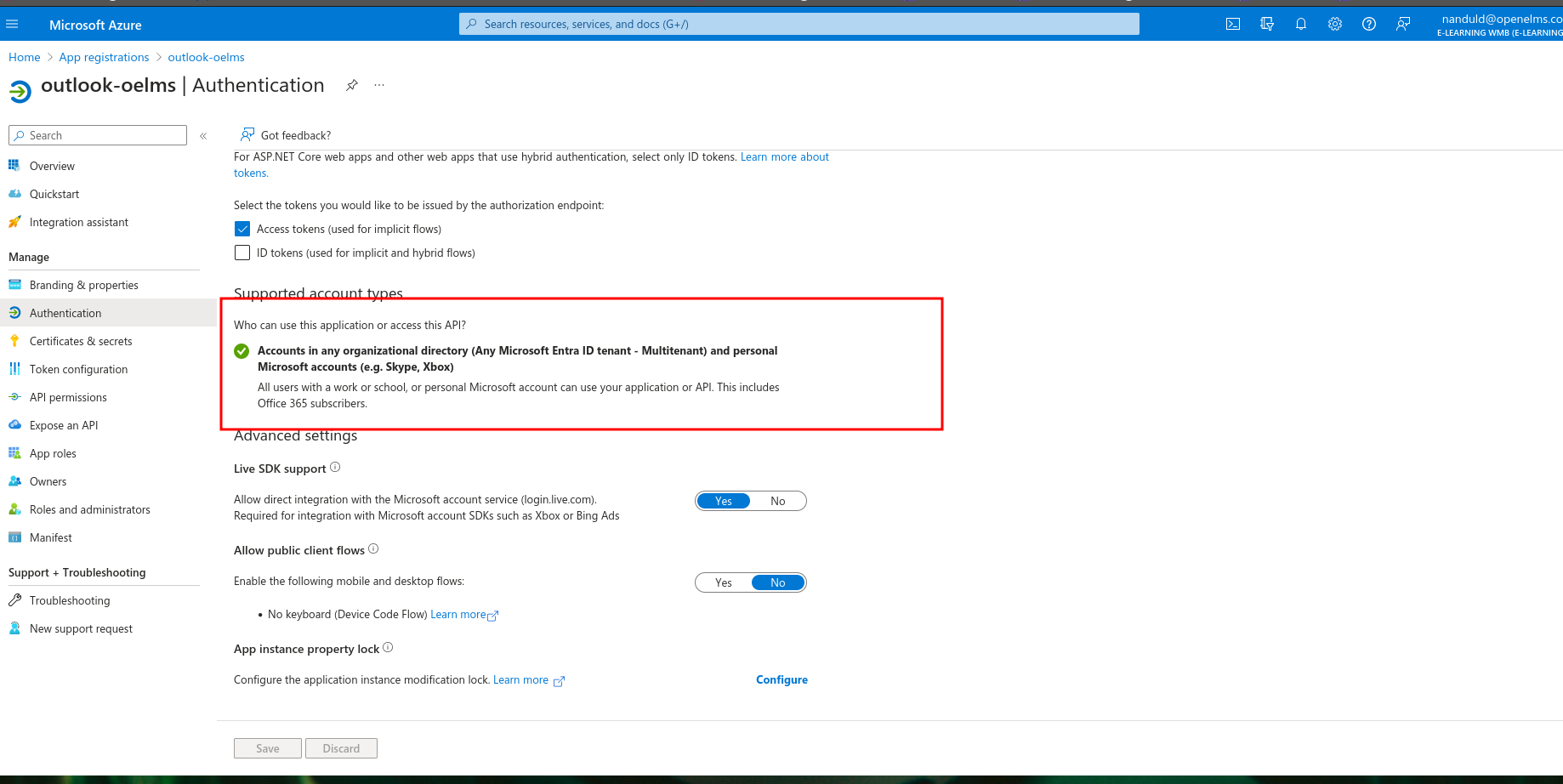
Under Supported account styles, ensure accounts in any organisational directory can use this App>
Instead of using a specific tenant ID, use the "common" endpoint for authentication. For example, use
https://login.microsoftonline.com/common/oauth2/authorizefor the authorization endpoint.To test this, use your personal email or any other work/school account to access Outlook functionality, such as adding an Outlook event to the calendar.
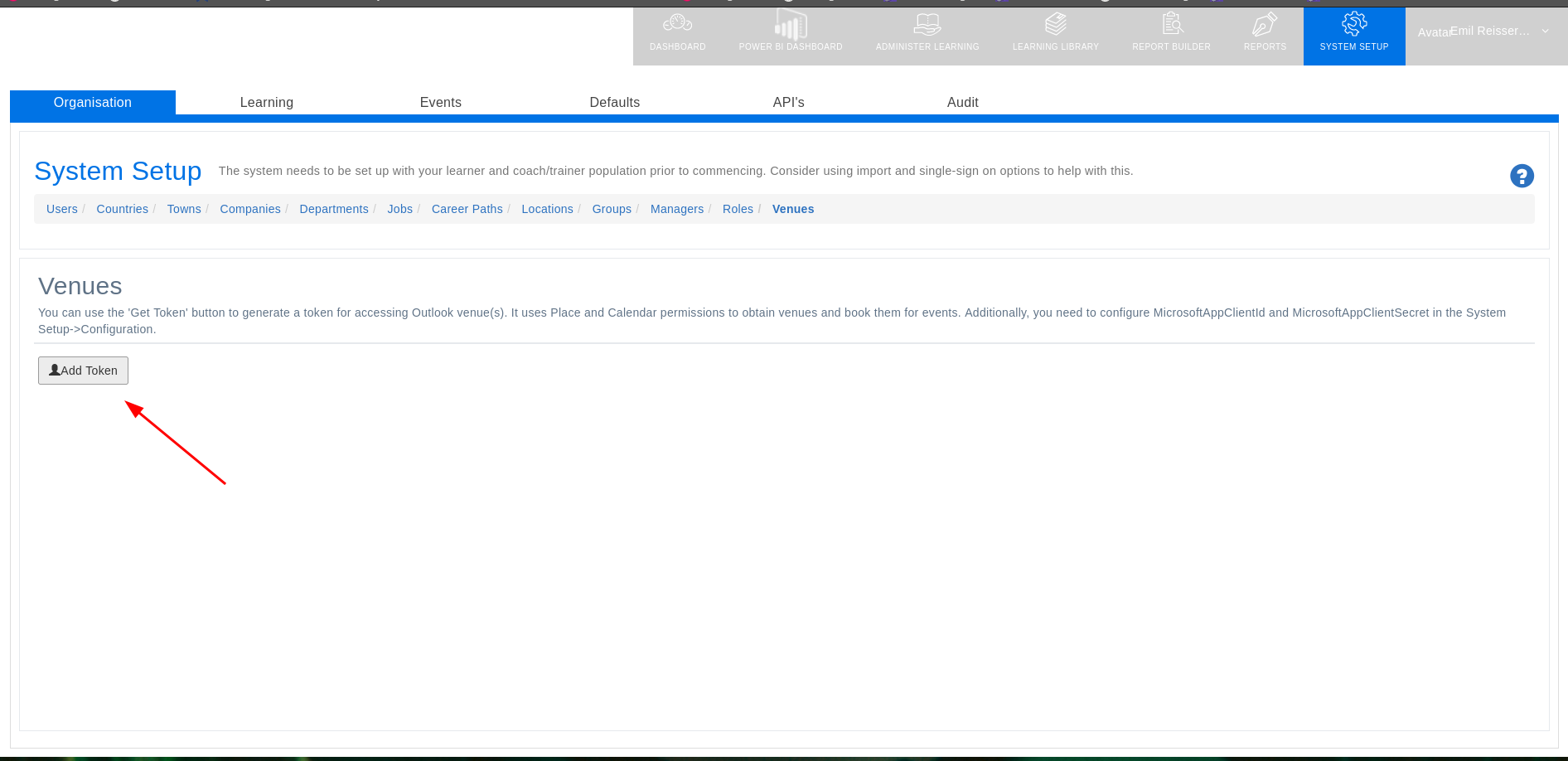
If you are using the Venue service (configuration item, useOutlookVenues = true) then if adding an Outlook venue token, it must be a work/school Outlook account because only that type of account supports location-adding features.
📋 Related articles
- Page:Adding Lessons to Off the Job Hours